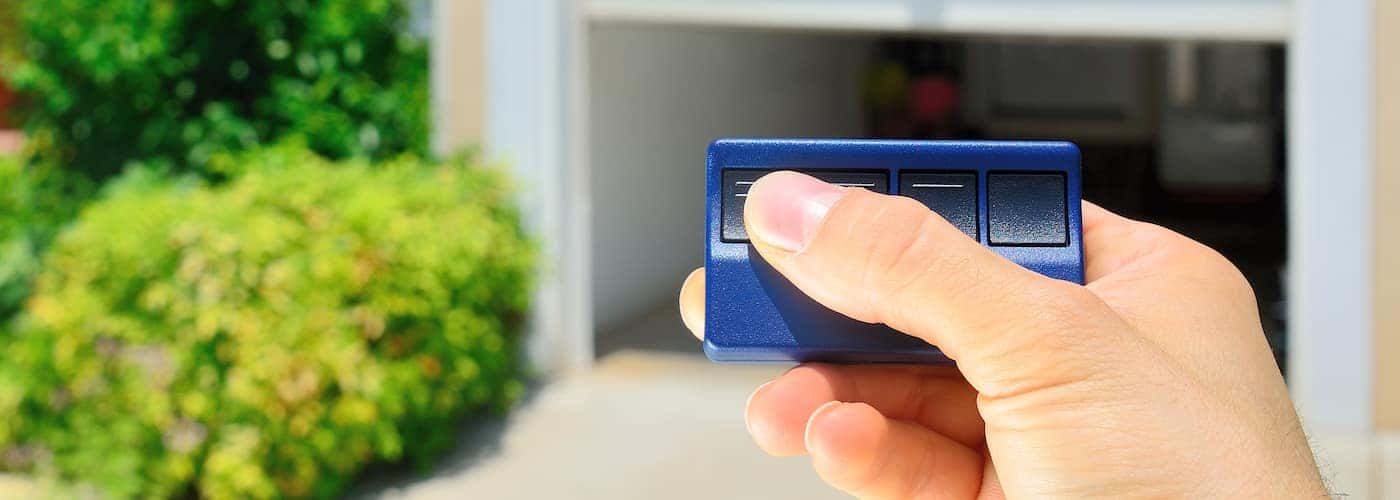
When you get behind the wheel of a new Chevrolet vehicle, you’ll gain access to the convenient HomeLink® system. What is HomeLink? This innovative convenience technology allows you to:
- Remotely open and close your garage doors or automatic gates
- Activate/deactivate your home’s security system
- Turn on/off the interior and exterior lights, appliances, and more in your home
Curious to know more about HomeLink®? Explore the system’s numerous benefits and learn how to program it with the friendly faces at Rick Hendrick Chevrolet Richmond!
HomeLink® Advantages
Driving a Chevrolet vehicle in Glen Allen that is equipped with HomeLink® opens up a number of advantages for drivers, including:
- Ease of Use: Integrating your vehicle with your home is as simple as pressing a few buttons.
- Compatibility: Nearly all garage door openers and automatic gate systems are compatible with HomeLink®, as well as numerous other radio-frequency (RF) controlled devices.
- Control as Many as Three Devices: With HomeLink®, you can remotely control up to three devices within your home – this includes your garage doors, plus two other systems or devices of your choosing.
- Safety & Security: Most garage door openers will allow HomeLink® to alert you if you’ve left your garage door open after pulling away from your home in Goochland.
- Battery-Free: There’s no need to worry about changing batteries in order for HomeLink® to function properly, as it is fully powered by your vehicle’s electrical system.
Programming HomeLink® Is Simple!
In addition to offering a number of helpful features, Richmond drivers will be happy to hear that HomeLink® is incredibly simple to program. All you’ll need to do is follow the step-by-step instructions detailed here:
- There are three buttons for the HomeLink® unit, which are typically located on the ceiling of your car right above the center console. Press and hold the first and third buttons simultaneously until your interior lights start flashing – this may take up to 20 seconds. After successfully programming HomeLink® for the first time, pressing the first and third buttons will then become a master reset, so you won’t need to press them when programming your two additional devices in the future.
- Once your interior lights begin to flash, you can press and hold the button you’d like to program while simultaneously holding the open/close button on your garage door opener remote. The lights should change from a slow to rapid flash, indicating that programming is complete.
- At this point, you’ll go into your garage and press the “learn” button on your garage door opener.
- Return to your vehicle to press the newly programmed button on the HomeLink® unit for at least two seconds. The lights on your garage door opener may flash now, letting you know that it’s connecting.
Learn More About HomeLink® at Rick Hendrick Chevrolet Richmond
If you have lingering questions about what is HomeLink®, Chevy MyLink, or you require additional help with programming your system, the experts at Rick Hendrick Chevrolet Richmond are here to help! Contact us or schedule an appointment with our service department today.